Your practice can be taking online bookings before your next appointment walks in. This guide covers everything: what you actually need to get a professional website, what it should cost, what happens minute by minute, and (the part most guides skip) what to do in the first 30 days after you go live so the website actually brings you patients, clients, and bookings.
Why every clinic, salon, and practice needs a website in 2026
Start with how your next customer behaves. Someone recommends you: a neighbour, a colleague, a happy patient. Ten years ago that recommendation was enough. Today, the person who received it does one more thing before calling you: they search your name online.
What they find decides what happens next:
- If they find nothing, doubt creeps in. Is this practice still running? Is it professional?
- If they find a competitor (because the competitor has a website and you don’t), the referral quietly transfers to them.
- If they find you, complete with your services, your timings, your prices, your reviews, and a booking button, the recommendation converts. Often at 10:30 pm, without a single phone call.
A website for a small business is not a brochure or a status symbol. It is a receptionist that never sleeps: it answers “what are your timings?”, “how much do you charge?”, and “where exactly are you?” hundreds of times a month, and it takes bookings while you’re with another customer, in surgery, in court, or asleep.
And unlike social media, a website is owned visibility. Instagram shows your posts to people who already follow you. Google search brings you strangers who are actively looking for exactly what you do, right now. “Dentist near me.” “Bridal makeup with prices.” “Accountant for a new company registration.” Those searches happen every day in your area, and they can only find businesses that have a website to land on.
What you need before you start (only 3 things)
Most people put off building a website because they imagine a mountain of preparation. Here’s the whole mountain:
- Your business name. The one on your board outside.
- One line about what you do. “Dental clinic: check-ups, RCT, braces, whitening.” “Unisex salon: hair, skin, bridal packages.” “Accounting: tax filing, company registration, payroll.” Done.
- A few photos from your phone. Your premises, your chair, your work, your smiling face. Ordinary phone photos are fine. Real photos of a real business outperform stock photography every time, because customers can smell stock photos from a mile away.
You do not need: a logo (one can be made for you), written content (it’s written for you), a domain name picked in advance (you choose one during setup, or start free on a subdomain), a designer, a developer, or a single evening of watching tutorials.
What a small business website costs (the honest numbers)
There are three traditional routes, and each has a cost the price tag doesn’t show:
Route 1: An agency or freelancer
A custom-built site typically costs $1,000–$5,000+ up front, takes 2–8 weeks, and here’s the part nobody mentions at the sales meeting: every change after delivery is billed separately, commonly $25–$100 per change. Your fees change, your timings change, a new service launches… and each update needs a phone call, a wait, and an invoice. Most agency-built small-business sites quietly go stale within a year for exactly this reason.
Route 2: DIY website builders
The advertised price looks small, but read three lines of fine print:
- The renewal trap. A famous industry pattern: a very low first-year price (often requiring years paid up front), then a renewal that’s 3–4× higher. The discount gets the headline; the renewal gets your money.
- AI edit credits. Many modern builders sell “AI editing” with hidden monthly caps; some entry plans include as few as five AI edits a month. You discover the ceiling only after subscribing.
- The real price is your time. DIY means you are the designer, the copywriter, and the tech support. If your working hour is worth anything, the “cheap” builder is the most expensive option on this list.
- Booking costs extra. On most DIY platforms, appointment scheduling, the feature that actually earns you money, is a paid add-on, often a separate monthly tool at $10–40 more.
Route 3: A complete platform (what we built GoClickBuild to be)
One subscription of $12 per month that includes the complete website, online appointment booking, payment collection, your own domain, hosting, security, Google visibility setup, and unlimited changes by chat. The renewal price is the same as the advertised price, there are no edit credits, and there is zero fee on the payments you collect.
That’s roughly 40¢ a day. One new patient, client, or booking a month covers it, and the after-hours bookings alone usually deliver that.
The 30 minutes, minute by minute
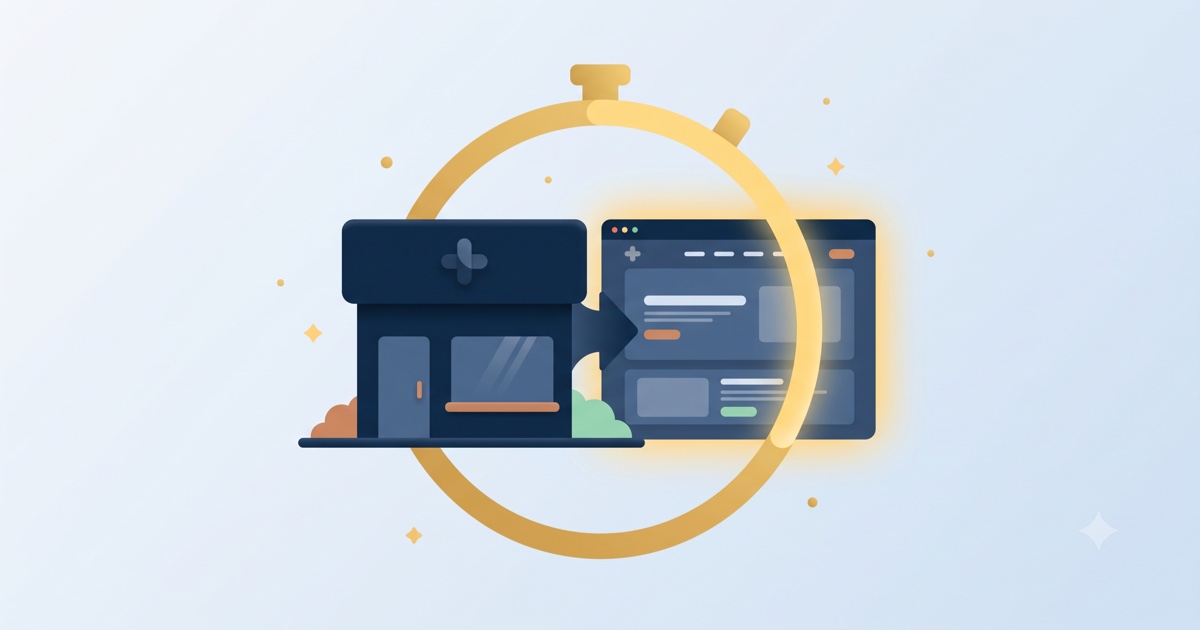
Here is exactly what happens between “I have no website” and “I’m live”, timed with a real stopwatch:
Minutes 0–3: You tell us. Your business name, what you do, your photos. On WhatsApp or at the Start page, whichever is easier. This is the entire form.
Minutes 3–20: The site is built. Not a blank template waiting for your homework, but a complete website: home page, services with descriptions, timings, your photos placed properly, a booking system connected to your real schedule, payment collection, and all the words written in plain, professional language. This is the stretch where you can serve a customer, have a coffee, or just watch.
Minutes 20–27: You pick. You see your finished site and choose what you like. Different header photo? Different colour? A different way of describing your main service? Tap, pick, done. You make choices; you never build from scratch.
Minutes 27–30: You go live. 🎉 Your site gets its address, free on a subdomain or on your own .com the same day. You get a ready-made share card for WhatsApp Status and Instagram. The booking button works immediately.
After you’re live: the first 30 days
Going live is the start, not the finish. Here’s the simple playbook that turns a new website into a customer machine:
Week 1: Tell the people who already love you
- Share your link on WhatsApp Status, your Instagram bio, and your personal profiles.
- Message your 20 best customers: “We’re online now. You can book anytime at this link.”
- Add the link to your Google Business Profile (if you don’t have one, get it set up; it’s included in your marketing kit).
Week 2: Start collecting reviews
- After every happy visit, send one message: “Would you leave us a quick review? It takes 30 seconds.” Include the direct link.
- Two new reviews a week compounds into a wall of trust within three months. Reviews are the single strongest factor in whether a stranger picks you.
Week 3: Let the website answer your phone
- Put your website link in your phone’s auto-reply and your WhatsApp Business greeting: “Full details, prices, and instant booking: [your link]”.
- Watch the repetitive calls drop. That’s hours of your week coming back.
Week 4: Check the numbers, make one improvement
- How many visits? How many bookings? Which service page gets the most attention?
- Make one change based on what you see. Push your most-viewed service to the top, or add photos of your most-booked treatment. Changing it costs nothing: type the change in chat, and it’s done.
Frequently asked questions
Do I need to know anything technical? No. If you can send a WhatsApp message, you have every skill required, for the initial build and for every change afterwards, forever.
Can I use my own domain name? Yes. You can connect or register your own .com (or another extension) on the Business plan. Until then, you’re live free on yourname.goclickbuild.com.
What if I want to change something next month? Next year? Type it. “Add the new facial package at $45.” “Change Saturday timings to 10–2.” Changes are unlimited and free for as long as you subscribe. That’s the point of a subscription over a one-time build.
What does it really cost to start? Nothing. The Free Start plan is $0 and puts a live one-page site online today, with a 7-day full trial of everything else. Upgrade only when you’ve seen it with your own eyes.
The one-line summary
If you can send a message, your practice can be online and taking bookings today, in 30 minutes, starting free. The only thing between your business and the internet is your name, typed into a box.