Every payment you cannot take online is a sale that has to survive a trip to the counter, a bank transfer, or a “I’ll pay you next time.” Some of them do not survive. Accepting payments online closes that gap: the customer pays at the moment they decide, from their phone, and the money is yours. Here is how it works and how to set it up without a merchant account, a developer, or a maze of paperwork.
Why taking payments online matters
The clearest evidence comes from how people abandon purchases. The Baymard Institute, across 50 studies, puts the average online cart-abandonment rate at 70.22%. Of the shoppers who genuinely intended to buy, around 18% abandoned because checkout was too long or complicated, and about 10% because there were not enough payment options.
Read that as a small business owner: a real share of ready-to-buy customers walk away purely because paying was awkward. Every extra step, every “we only take cash,” every “I’ll send you my bank details” is friction, and friction leaks sales. Offering a smooth online payment, in the method the customer prefers, is not a luxury feature. It is closing sales you are currently losing.
What “accepting online payments” actually involves
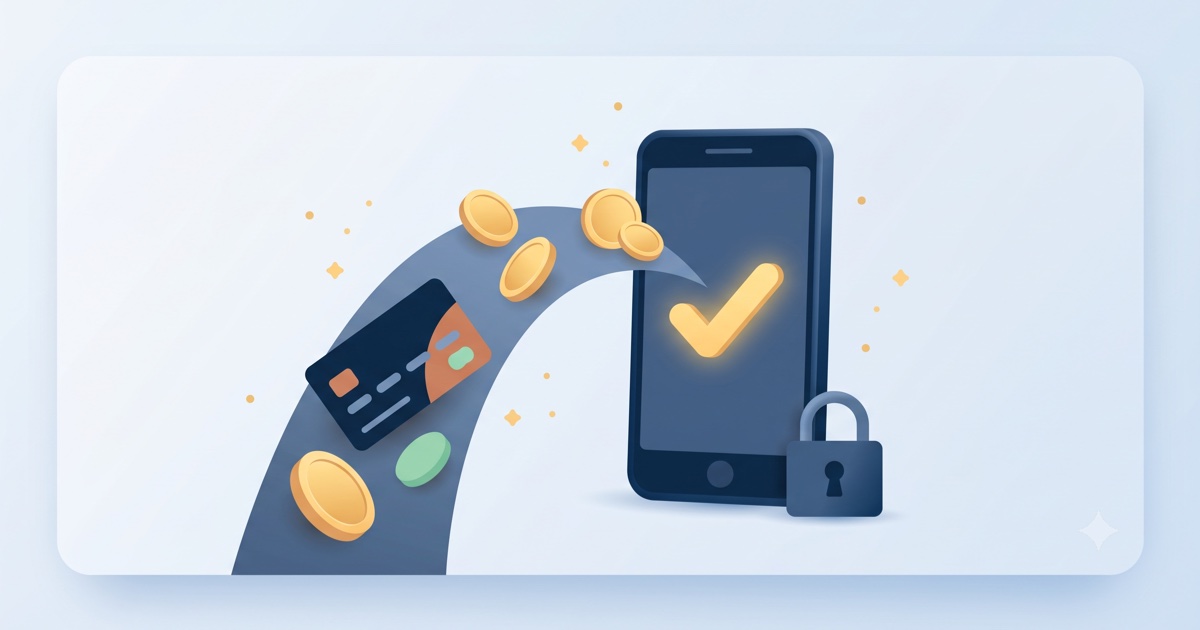
You do not need to build any of this. A modern platform gives you the pieces already wired together:
- A payment button or checkout on your website, where the customer enters card or wallet details on a secure page.
- A payment processor behind it (the regulated partner that moves the money) that handles the sensitive card data, so you never touch or store it.
- The money landing in your account, with a record for your books.
The old way, applying for a merchant account and integrating a gateway, is exactly the barrier that kept small businesses on cash and bank transfers. The modern way is: it is already built in, you connect your account, and you are taking payments.
The quiet superpower: deposits and booking advances
Online payments are not just for shops. For any business that books time, a clinic, a salon, a consultant, a repair service, the highest-value use is a deposit or booking advance taken at the moment of booking.
This is the single most effective cure for no-shows. When a customer pays even a modest advance online, the psychology flips: a booking they have paid for is one they show up for. Price-shoppers and “maybe” bookings filter themselves out, and the empty 5 pm slot that used to cost you stops happening. We cover the full mechanics in our guide to online appointment booking.
One rule that matters: the money should go straight to you, with no commission taken on it. An advance that leaks a platform fee is just a new tax on your own sales. Taking 0% on what you collect is a design principle at GoClickBuild, not a promotional rate.
Match the customer’s preferred method
People abandon purchases when their preferred way to pay is not offered. The fix is not to support every payment method on earth; it is to cover the ones your customers actually use, cards and the common local wallets, so nobody hits a wall at the last step. A good setup handles this for you.
Setting it up
With GoClickBuild, payments are built into your site from the start, not a plugin you integrate later:
- Your site is created with the ability to collect payments and booking advances already wired in.
- You connect your account to receive the money.
- The https padlock and secure handling are included, because customers will not enter card details on a site that does not look safe.
Changing what you charge, or switching advances on or off, is one chat message. See the pricing and what’s included.
Frequently asked questions
How can I accept payments on my website? Use a platform with payments built in: a secure checkout or payment button on your site, backed by a regulated processor that handles card data. You connect your account to receive the money. With GoClickBuild this is included from the start, so there is nothing to integrate.
What’s the cheapest way to take card payments? Avoid stacking separate tools. A platform that includes payments in the subscription, with no per-transaction fee taken by the platform on top of the processor’s standard rate, is usually cheapest for a small business. Watch for anyone taking a commission on your sales, which is the expensive hidden cost.
Do I need a merchant account to accept online payments? Not anymore. Modern platforms bundle the processing, so you do not apply for a separate merchant account or integrate a gateway yourself. You connect your account and start taking payments.
Can I take a deposit or advance for bookings? Yes, and you should. A small online advance at booking time is the most effective way to reduce no-shows: paid bookings get honoured. Make sure the money reaches you without a platform commission on it.
The bottom line
A large share of ready-to-buy customers abandon a purchase simply because paying was awkward. Accepting online payments, and taking deposits on bookings, closes that gap and stops the no-shows that quietly cost you. You do not need a merchant account or a developer; it comes built in, and the whole site is live in 30 minutes.