Your domain name is the one piece of your online presence you will say out loud, print on a card, and type into a phone a thousand times. It is your address on the internet, and unlike almost everything else about a website, it is genuinely hard to change later. So it is worth getting right the first time, and getting right is simpler than most people fear.
This guide walks through the real decisions: what to name it, which extension to use, and how to avoid the traps that make a domain forgettable or untrustworthy.
Start with your business name, not keywords
The oldest advice on the internet is to stuff your domain with keywords: best-cheap-plumber-london.com. Ignore it. Search engines stopped rewarding keyword-stuffed domains a long time ago, and to a human those names read as spammy and cheap.
Your business name is almost always the right domain. It is what people will search for after a recommendation, what they will remember, and what builds a brand over time. harborlanerealty.com beats homes-for-sale-cheap.com every time, for trust, for memorability, and for the simple fact that it is you.
If your exact name is taken, small additions usually solve it without hurting recall: add your city (harborlanerealty-austin.com), your category (harborlanehomes.com), or a natural word like “get,” “go,” or “the.” Keep it something you can say once and have someone type correctly.
The .com question
You will be tempted by cheaper or trendier endings: .co, .io, .biz, .shop, a country ending. For most businesses, the answer is still simple: get the .com if you possibly can.
The reason is human, not technical. A GrowthBadger study found people rated .com as clearly more trustworthy than other extensions, and that users were about 3.8 times more likely to assume a business’s domain ends in .com even when it did not. Roughly a third of people, told a brand used a different ending, still assumed .com. In other words, if you use mybusiness.shop, a meaningful share of your own customers will type mybusiness.com from memory and land nowhere, or worse, on someone else.
A local country domain (like .in, .co.uk, .ae) is a reasonable second choice if you serve one country and want to signal it. Everything more exotic, treat with caution: you may save a little and pay for it in every mistyped address forever.
What makes a domain actually good
Run any candidate through these five tests:
- Short. Fewer characters, fewer typos. Aim for as few words as you can.
- Easy to say. If you have to spell it out on the phone, it is too complicated.
- Easy to spell. Avoid clever misspellings, numbers, and hyphens, all of which get lost when someone hears the name and types it later.
- No confusion traps. Read it as one string.
pen-island.comis the classic warning. Make sure the joined-up version does not spell something unfortunate. - Yours to grow into. Do not box yourself in with a name so specific you cannot expand.
janes-cupcakes.comis limiting if Jane later sells full cakes and hampers;janesbakes.comgrows with her.
Do you need more than one domain?
Buying the obvious variations, your .com plus your local country ending, or a common misspelling, and pointing them all at your main site is a cheap insurance policy against losing typo traffic. It is optional, not essential. One good domain, chosen well, is all a business needs to start.
How to actually buy and connect it
This is the step that historically scared people off: registrars, DNS records, nameservers, connecting the domain to the actual website. It is fiddly, and it is exactly the kind of thing that makes a busy owner give up and stay on a free social page.
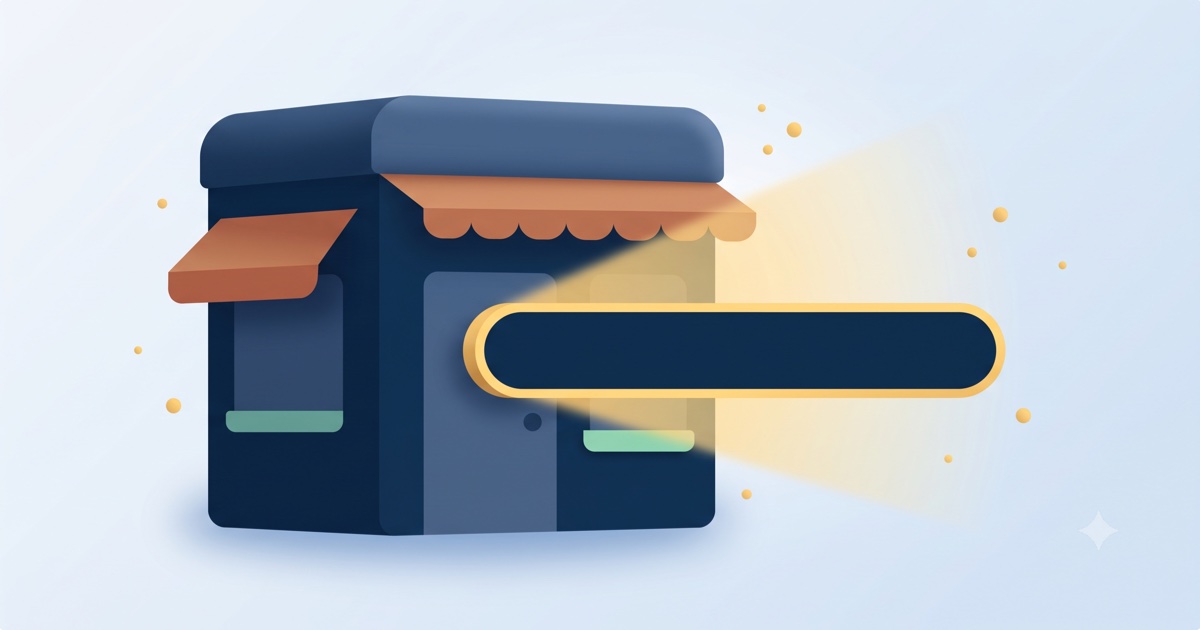
We removed that step. Inside GoClickBuild you can search for a domain, buy it, and attach it to your website from the same panel, with no DNS wrangling and nothing to configure. You pick the name, we handle the plumbing. One domain per account is included on the paid plans, on cloud hosting with a free SSL certificate, so the https padlock is there from day one. You can see how that fits the full build in 30 minutes, or start now and claim your name.
Frequently asked questions
Should I use .com or another domain extension? Use .com if you can get it. People trust it most and assume it by default, so other endings quietly lose you traffic to customers who type “.com” from memory. A local country ending (.in, .co.uk, .ae) is a fine second choice if you serve one country.
Should my domain be my business name or keywords? Your business name. Keyword-stuffed domains look spammy, do not help SEO the way they once did, and are harder to remember. Your name builds a brand and is what people search for after a recommendation.
Does my domain name affect SEO or Google ranking? Only slightly and indirectly. A clean, branded, memorable domain earns more trust and clicks, which helps. Keyword-stuffed domains do not boost rankings and can hurt credibility. Choose for humans, not search engines.
How do I buy a domain and connect it to my website? Traditionally you buy from a registrar and configure DNS to point it at your site, which is technical. With GoClickBuild you search, buy, and attach a domain from inside the panel, with the hosting and SSL handled for you. One domain per account is included on paid plans. See pricing.
The bottom line
Pick your business name, get the .com, keep it short and sayable, and do not overthink the rest. The domain is the part of your website that is hardest to change, so spend ten minutes choosing it well, then let the platform handle the technical connection. That used to be the hard part. Now it is a search box and a button.