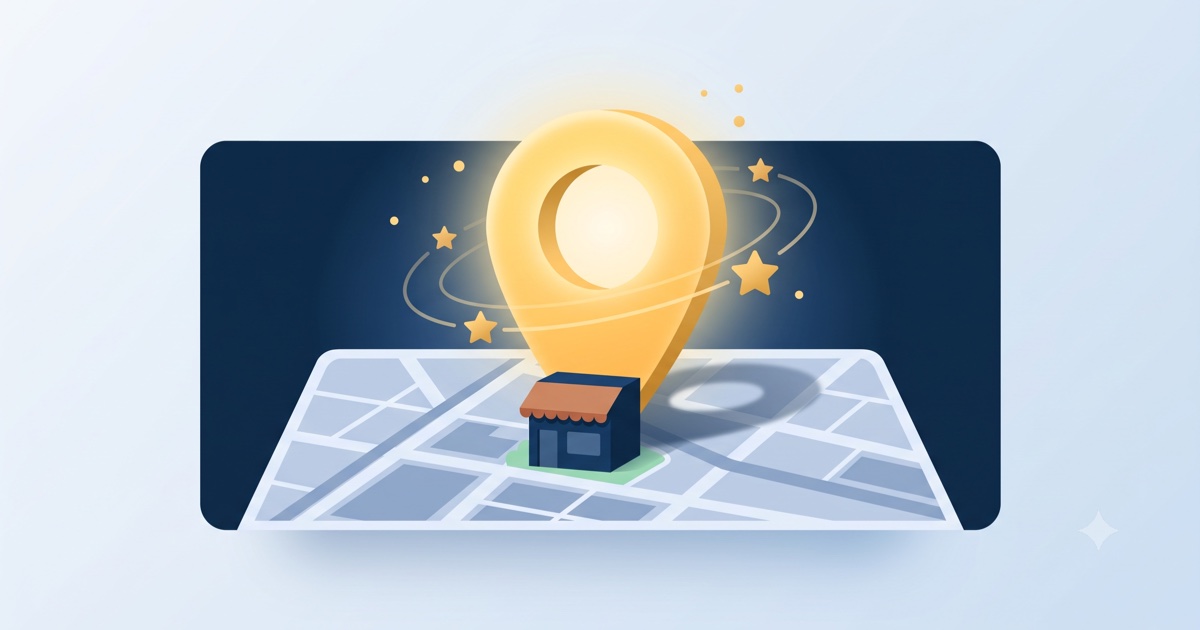
If you do one free thing this month to get more customers, make it this. Your Google Business Profile is the listing that appears in Google Maps and in the local results box when someone searches for a business like yours nearby. It is free, it takes under an hour to set up properly, and most of your competitors have not finished theirs.
Google’s own figures make the case plainly: businesses with a complete profile are 2.7 times more likely to be considered reputable, and customers are 70% more likely to visit and 50% more likely to make a purchase. This guide walks through the setup, step by step, and then the optimisation that actually moves you up the results.
Step 1: Claim or create your profile
Go to google.com/business and sign in with the Google account you want to own this listing (use a business email you control, not a staff member’s personal account). Search for your business name:
- If it already exists (Google may have auto-created a basic listing), claim it.
- If it does not, create it from scratch.
You will verify ownership, usually by a code sent by phone, email, or postcard. Until you verify, you cannot edit the important parts, so do not skip it.
Step 2: Fill in every field, accurately
This is where most businesses stop too early. A half-finished profile ranks and converts far worse than a complete one. Fill in:
- Business name, exactly as it appears on your signage. Do not stuff keywords into it; that breaks Google’s rules and can get you suspended.
- Primary category, as specific as possible (“wood-fired pizza restaurant,” not just “restaurant”). Add relevant secondary categories.
- Address or, if you go to customers, your service area.
- Phone and website. Point the website at your real site (more on why below).
- Hours, including special holiday hours. Wrong hours are one of the fastest ways to lose a customer and earn a bad review.
- Attributes that apply: “women-owned,” “wheelchair accessible,” “free wifi,” online appointments, and so on.
- A description in plain language about what you do and who you help.
Step 3: Add real photos
Photos are not decoration here; they are ranking and conversion fuel. Google reports that adding photos increases direction requests by around 42% and website clicks. Add real pictures of your storefront, your work, your team, and your products. Refresh them every so often. A profile with genuine, recent photos beats a competitor’s empty one almost every time.
Step 4: Connect it to a real website
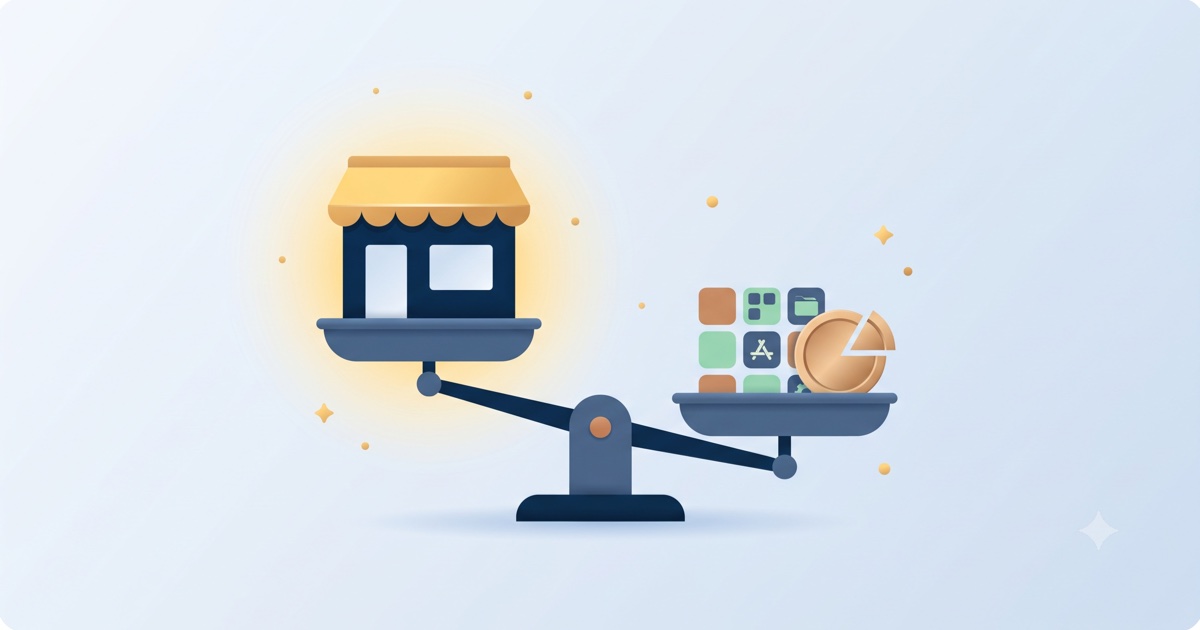
Here is the step that separates a listing from a business that dominates local search. Your Google Business Profile gets you into the map. Your website deepens the ranking, answers the detailed questions the profile cannot, and gives customers a place to actually book, buy, or enquire.
Google cross-checks your profile against a real website with matching information. When your name, address, and phone number are identical on both, and your site clearly states what you do and where, the whole thing ranks stronger. If your website is thin, slow, or missing, you are leaving the profile to do a job it cannot finish alone. We cover the full picture in our guide to local SEO and “near me” searches.
A GoClickBuild site is built local-first and mobile-first, with Google Business Profile setup included, so the listing and the website reinforce each other from day one. See how the 30-minute build works.
Step 5: Get and answer reviews
Reviews are the other half of local ranking and trust. Ask happy customers to leave one, and reply to every review you get, positive and negative. We wrote a full guide to getting more Google reviews without being pushy that pairs directly with this.
Understanding your profile insights
Once live, your profile shows how people find you. Most small businesses see a majority of “discovery” searches (people who found you by searching a category or product) rather than “direct” searches (people who typed your name). That is the goal: being discovered by people who did not know you existed yet. The more complete your profile and website, the more of that discovery traffic you capture.
Frequently asked questions
How do I get my business to show up on Google Maps? Claim and fully complete a Google Business Profile: correct name, specific category, accurate hours, real photos, service area, and a linked website with matching details. Then gather reviews. Google shows nearby, complete, consistent, well-reviewed businesses first.
Why isn’t my business showing up on Google? Common causes: no verified Google Business Profile, an incomplete profile, name/address/phone details that do not match across your website and listing, no website or a very slow one, or no reviews. Fix those in order and visibility usually improves within a few weeks.
Is a Google Business Profile free? Yes, completely. Creating, verifying, and managing your profile costs nothing. The only thing worth pairing it with is a proper website to anchor it, which is what actually turns the listing’s visibility into bookings and sales.
Do I need a website if I have a Google Business Profile? Yes. They do different jobs. The profile gets you onto the map; the website deepens your ranking, answers detailed questions, and lets customers book or buy. Businesses with both, kept consistent, outrank businesses with only one.
The bottom line
Your Google Business Profile is the highest-return free hour you can spend on getting found. Complete every field, add real photos, connect a proper website, and gather reviews. Do that and you will start appearing to nearby customers who are ready to act. The website that anchors it all takes 30 minutes to build.